

Woocommerce Upsell Cross-Sell Plugin

Turn every Woocommerce order into two.

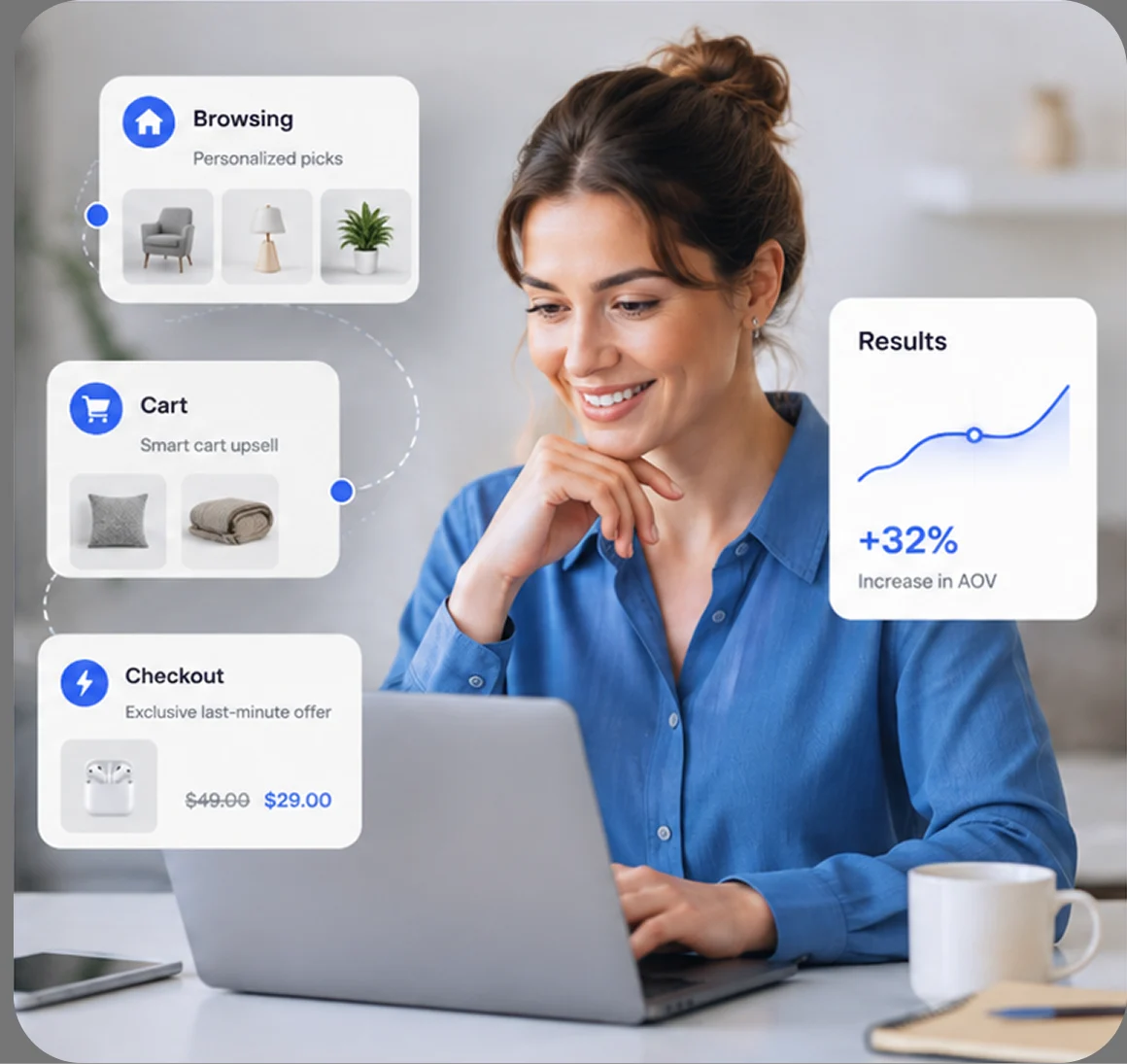
PickPair adds Frequently Bought Together offers, product bundles, order bumps, cart upsells, checkout offers, and post-purchase upsells to your store – placed exactly where shoppers are already deciding what to buy. 100% free, no premium paywall.

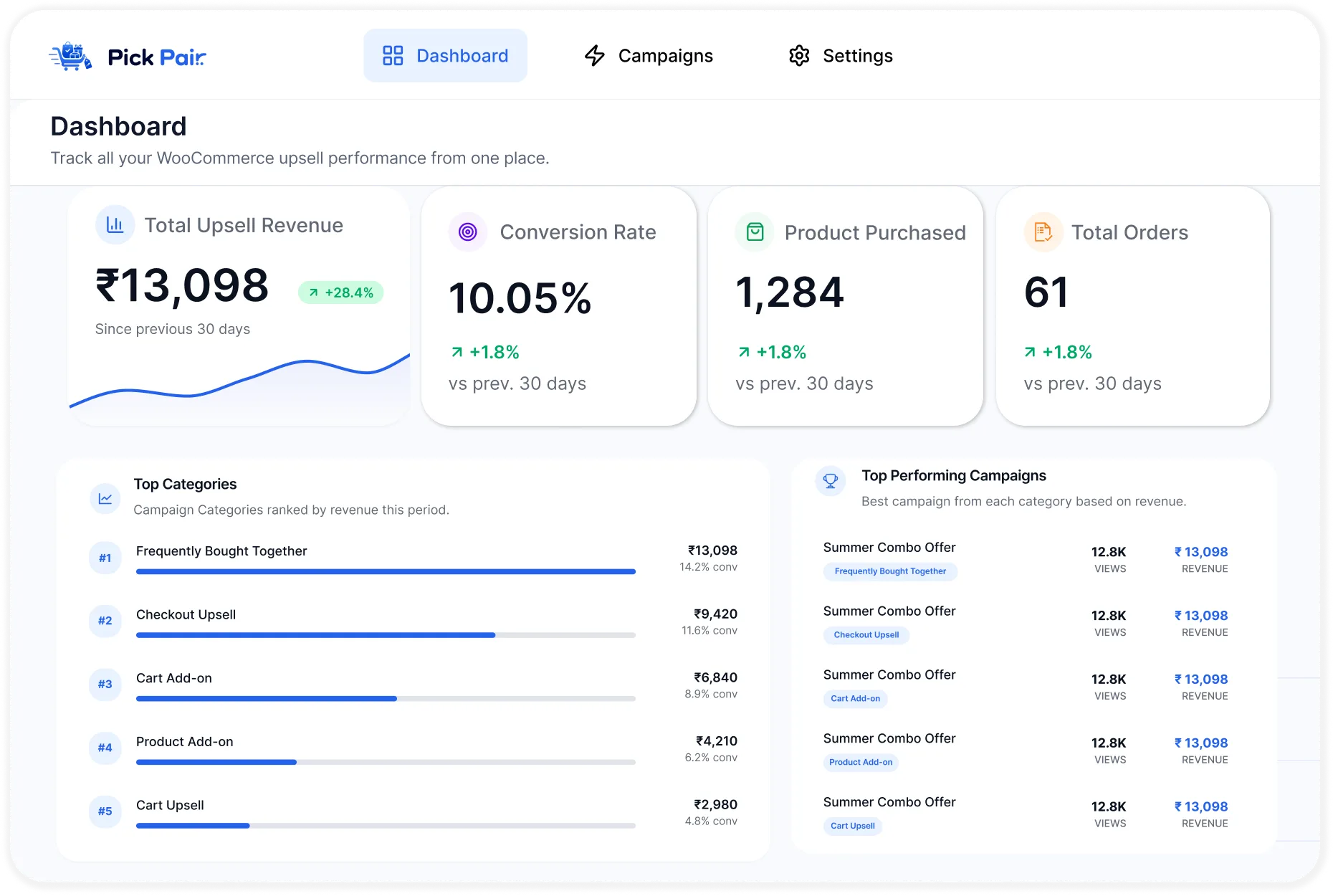
Dashboard-pick-pair

The Revenue Gap

Why most WooCommerce stores leave money on the table

Shoppers rarely search for the accessory, refill, or add-on that pairs with what they’re already buying. Without a nudge at the right moment, that second sale never happens.

One item, one order

Customers buy a single product and leave-with no visibility into what pairs well with it.

Low average order value

Without upsell prompts, carts stay small and marketing spend has to work harder for the same revenue.

No personalization

Generic "related products" widgets show items that have nothing to do with the shopper's intent.

Missed cross-sells

Accessories, warranties, and refills sit buried in the catalog instead of appearing when they're relevant.

Guesswork over data

Store owners have no visibility into which product pairings, bundles, or bump offers actually convert - and which don't.

The Pickpair Approach

One recommendation engine, placed at every decision point

PickPair follows the shopper from product page to confirmation – surfacing the right pairing at the moment it matters most.

The Pickpair Approach

Every upsell format WooCommerce stores actually use

Shoppers rarely search for the accessory, refill, or add-on that pairs with what they’re already buying. Without a nudge at the right moment, that second sale never happens.

Product Page

Frequently Bought Together

Display proven product combinations directly beneath the product a shopper is already viewing – a kettle with a bean set, a camera with a memory card, a bike with a helmet – so they can add everything in a single step.

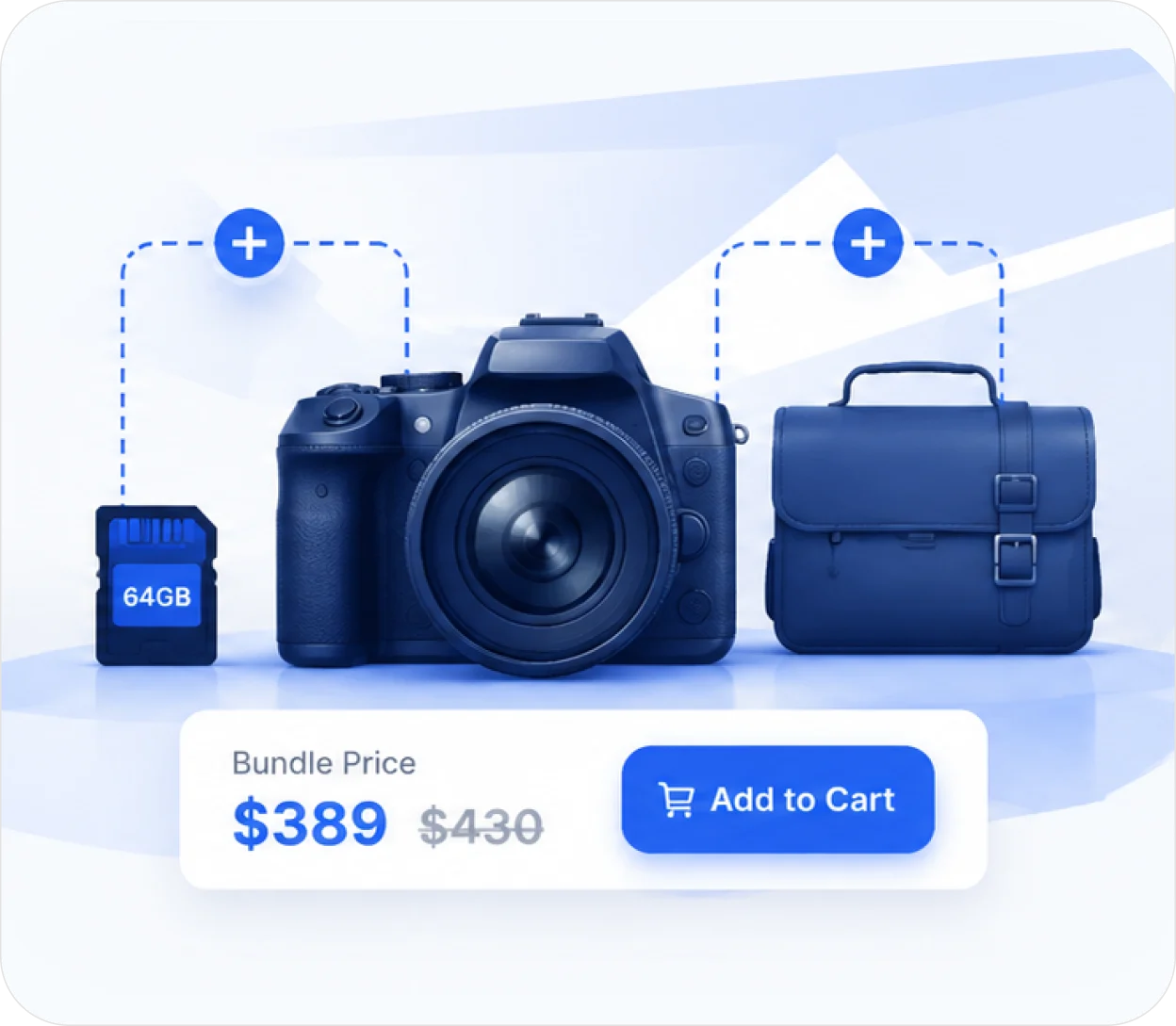
A shopper viewing a DSLR camera sees it paired with a 64GB memory card (required) and a camera bag (optional) - all three add to cart together at a bundled price of $389 instead of $430.

Anywhere on Catalog

Product Bundles

Group multiple products into a single purchasable offer, with as much or as little customer choice as you want – from fully fixed sets to pick-your-own bundles.

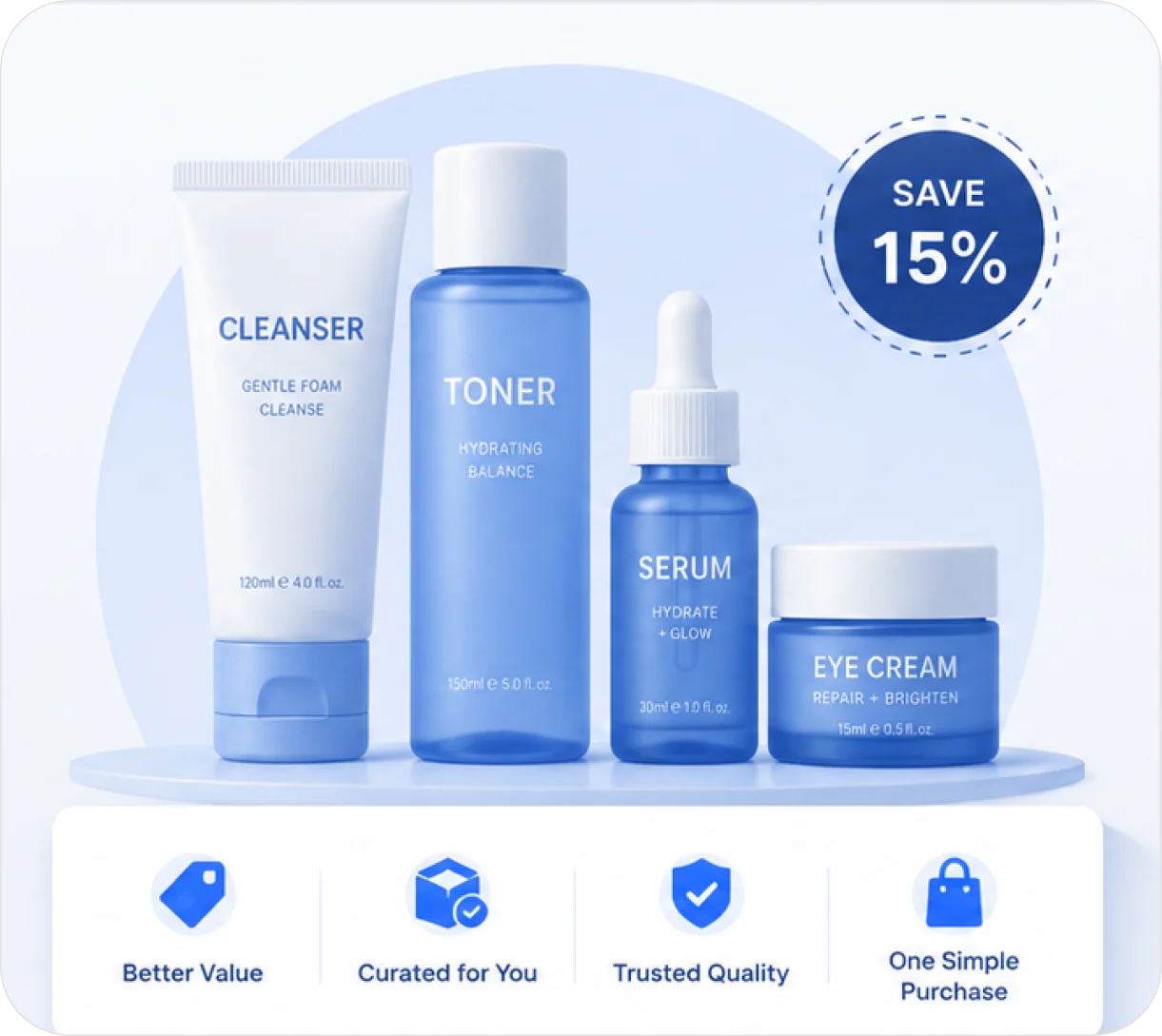
A skincare brand sells a "Starter Routine" bundle: cleanser and moisturizer are required, while serum and eye cream are optional add-ins. The customer picks 2 of the 2 optional items and the price recalculates to $74 instead of $92.

Product Page

Product Page Add-ons

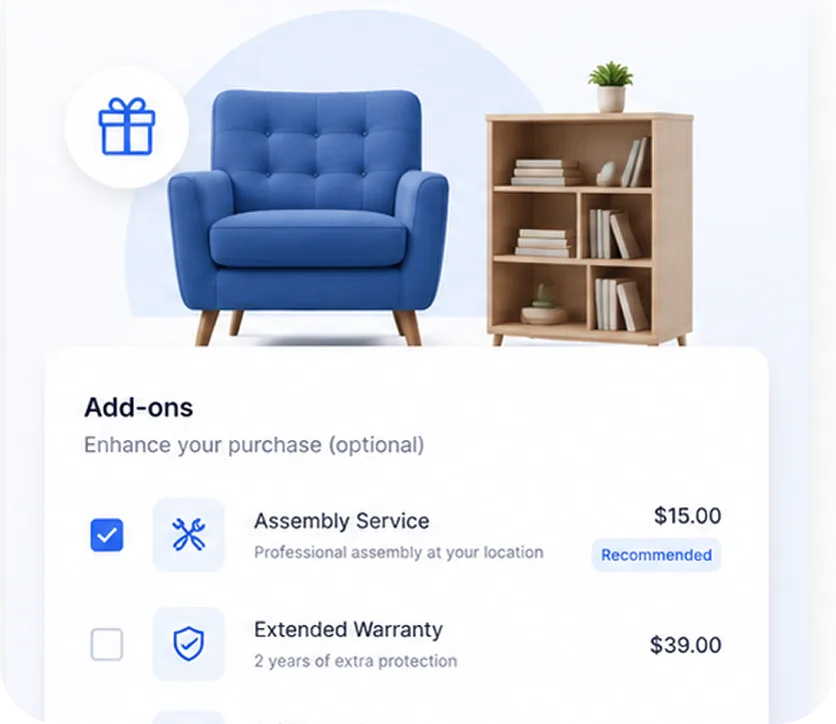
Offer gift wrapping, extended warranties, installation, or protection plans right beside the Add to Cart button – configured as optional, pre-selected, or required.

A furniture store adds an "Assembly Service" add-on ($15) below the Add to Cart button for a bookshelf. It's pre-selected by default, but the customer can uncheck it if they'd rather assemble it themselves.

Cart

Cart Recommendations & Upsells

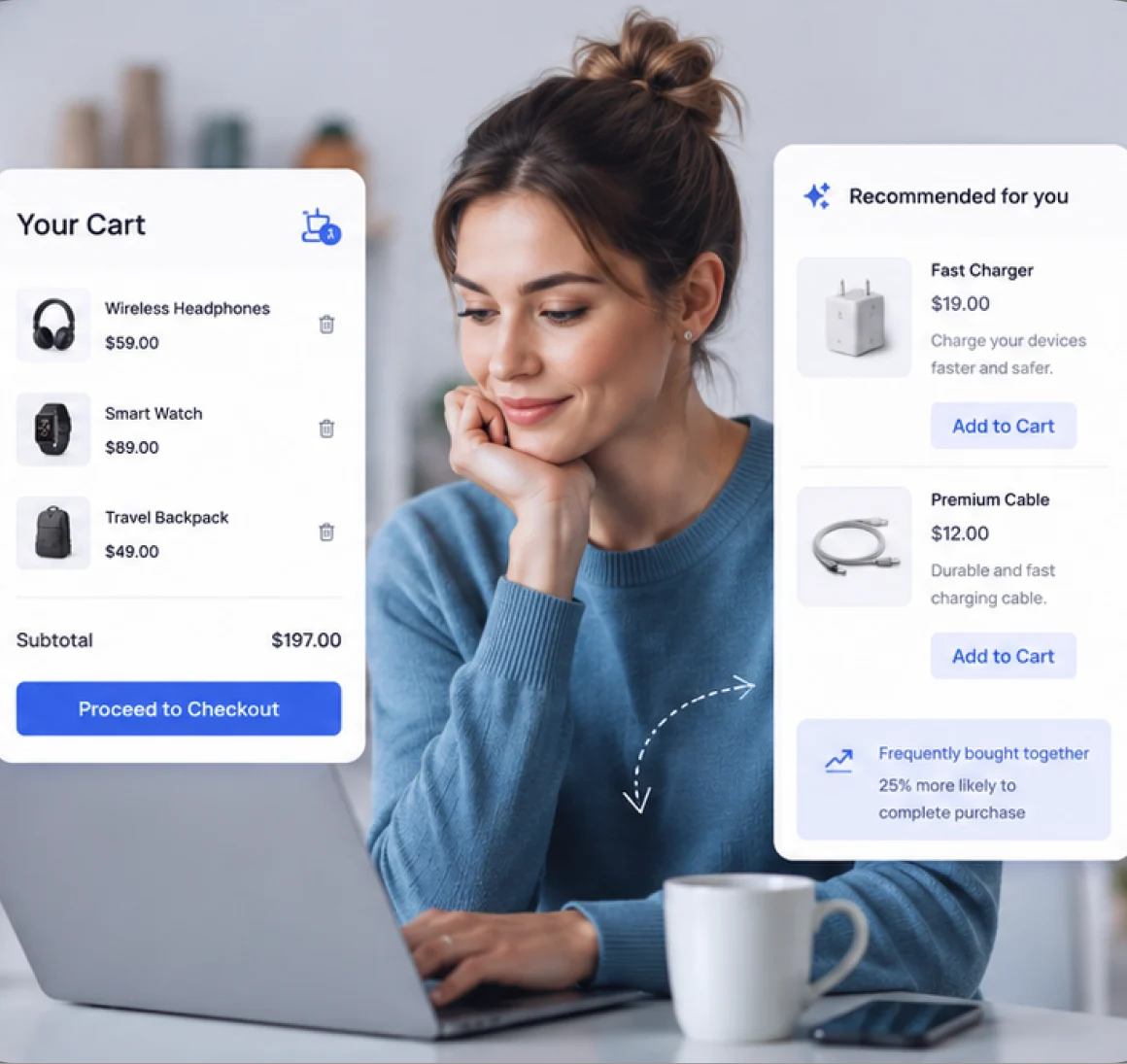
Suggest accessories, replacement parts, or a next-tier product based on everything already in the cart – with instant add-to-cart and mini-cart sync, no page reload.

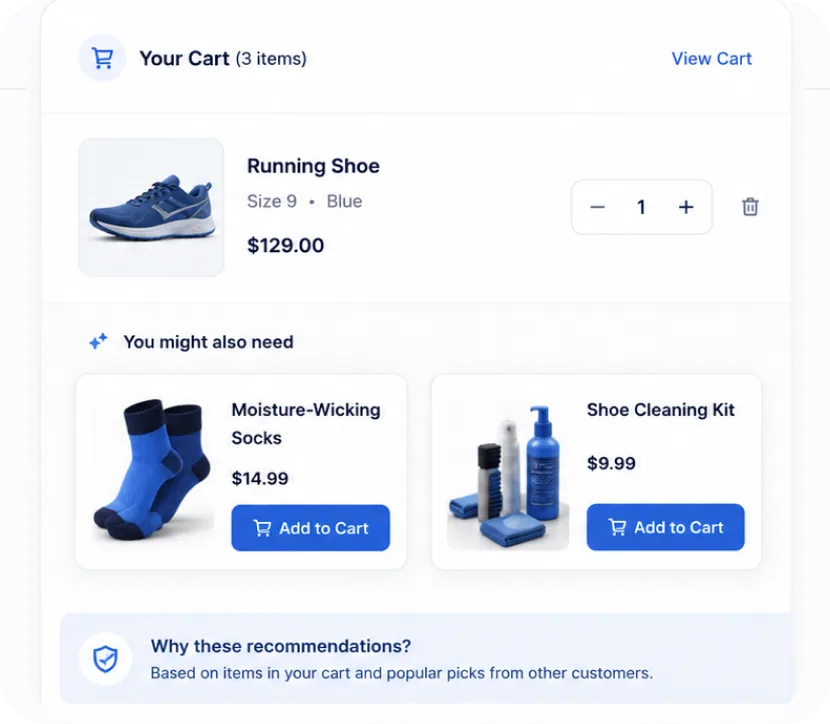
A customer has a running shoe in their cart. PickPair shows moisture-wicking socks and a shoe cleaning kit right on the cart page - added with one click, no navigating away.

Product Page

Checkout Recommendations

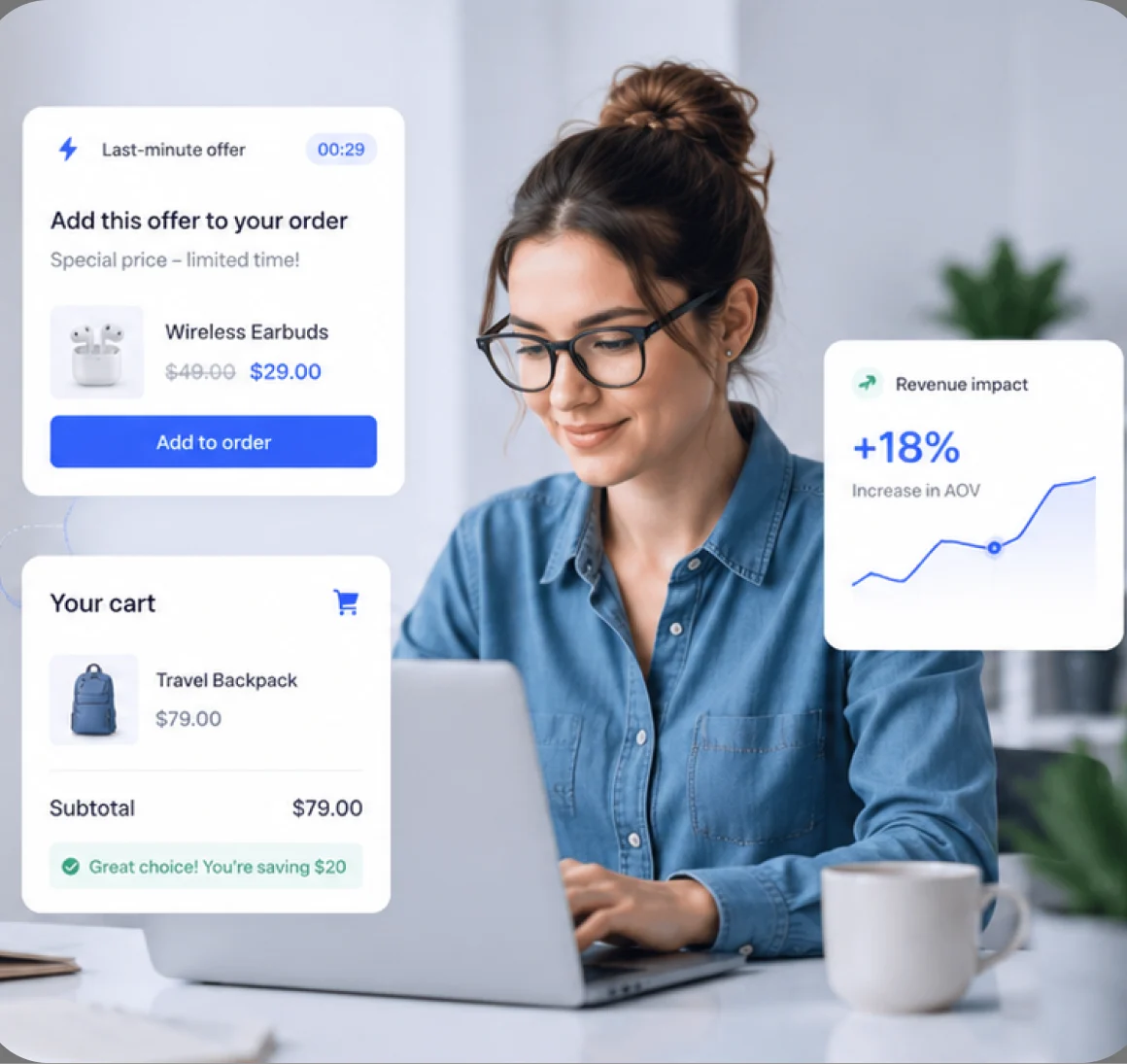
One last relevant offer before the order is placed – warranties, gift wrapping, or protection plans – refreshing automatically as products change, on Classic Checkout or Cart & Checkout Blocks.

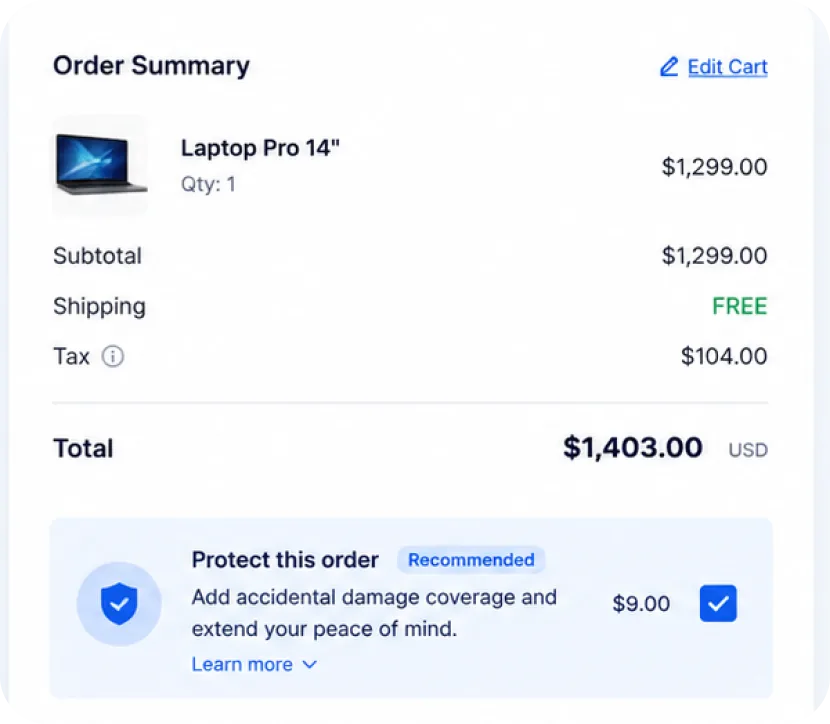
A customer checking out with a laptop sees a "Protect this order" panel offering accidental-damage coverage for $19 - placed right above the Place Order button, refreshing if they go back and change quantity.

Cart

Cart Recommendations & Upsells

Suggest accessories, replacement parts, or a next-tier product based on everything already in the cart – with instant add-to-cart and mini-cart sync, no page reload.

A customer has a running shoe in their cart. PickPair shows moisture-wicking socks and a shoe cleaning kit right on the cart page - added with one click, no navigating away.

How it Works

Live recommendations in three steps

01 | Sync

Install PickPair

Activate the plugin on your WooCommerce store - works with Classic templates and Cart & Checkout Blocks out of the box.

02 | Optimize

Create a campaign

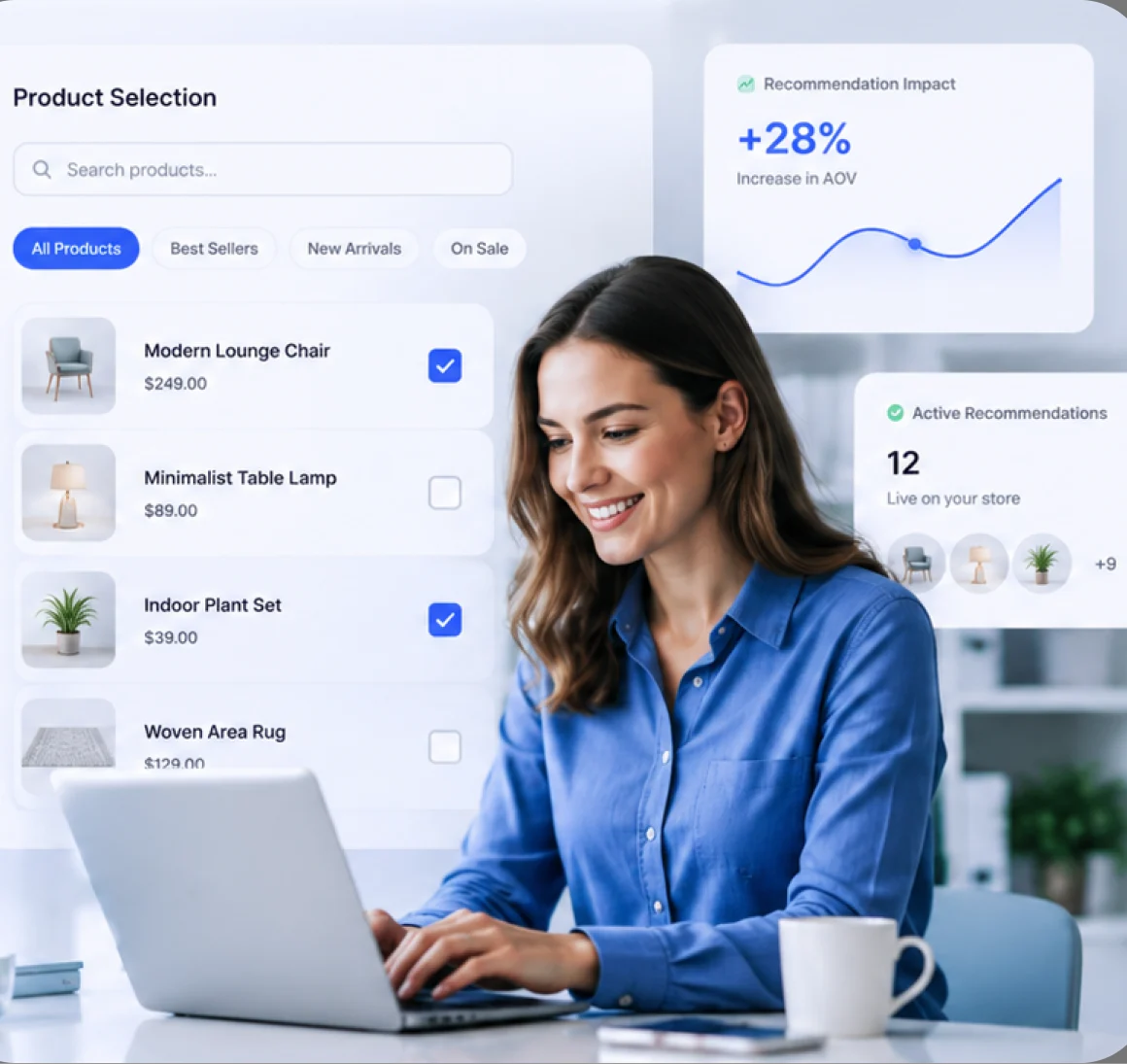
Pick a location - product page, cart, or checkout- choose your products, set pricing rules, anddefine who sees it.

03 | Scale

Watch AOV increase

Track impressions, clicks, and conversions percampaign, and refine what's working from thebuilt-in analytics dashboard.

Why Store Owners Choose PickPair

Built to sell more, without slowing you down

Increase Average Order Value

Every relevant offer adds to the cart total, not just the click count.

Improve Customer Experience

Recommendations feel like helpful suggestions, not disruptive pop-ups.

Reduce Cart Abandonment

Timely, relevant nudges keep shoppers engaged through checkout.

Sell More Products

Surface catalog items shoppers would never have searched for themselves.

Boost Revenue

Compounding gains across every product page, cart, and checkout.

No Coding Required

Every campaign is built from the WordPress dashboard no dev time needed.

Fast Performance

Lightweight, AJAX-driveninteractions that don't slow your storefront down.

Higher Conversion Rate

Bundled, relevant offers convert better than generic related-product grids.
Where Recommendations Appear

Show the right offer at every stage of the store

PRODUCT UPSELL

Product Page

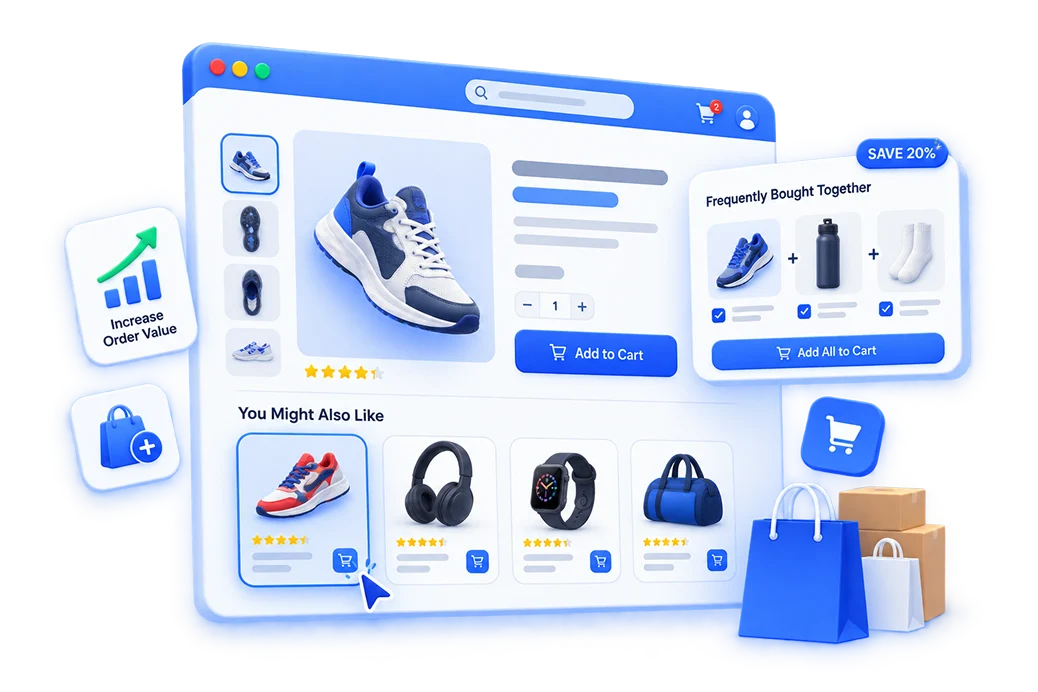
Show relevant product upsells and cross-sell offers directly on your WooCommerce product pages. Increase average order value with smart product recommendations.
CATEGORY UPSELL

Category Page

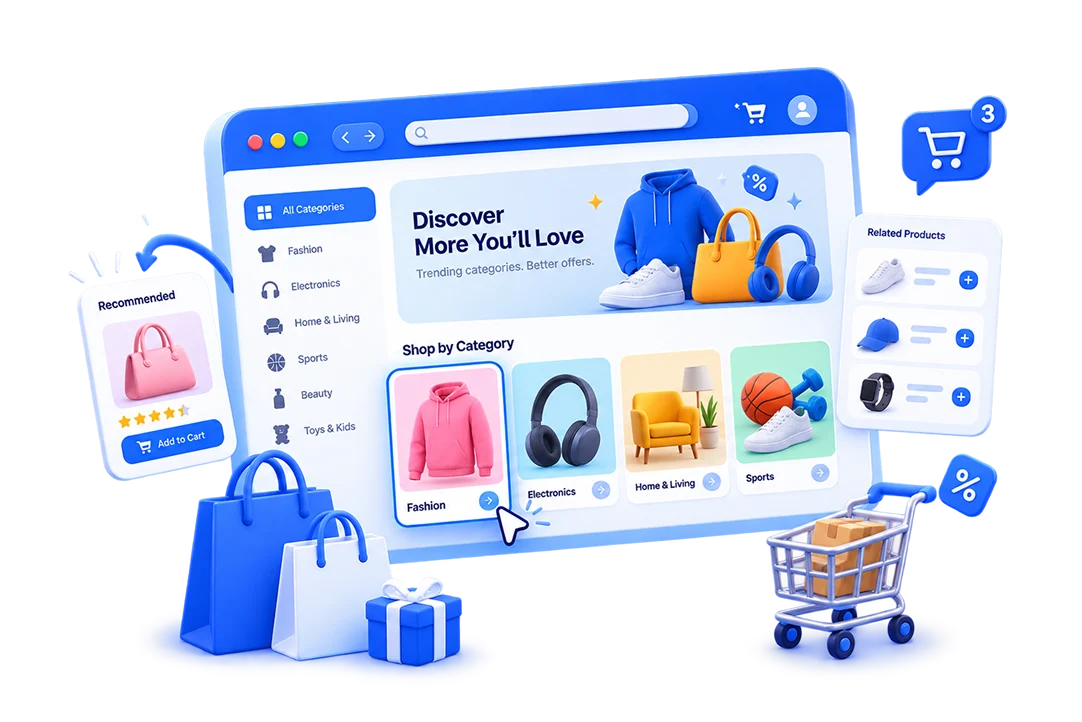
Recommend relevant products while shoppers browse your WooCommerce categories. Create targeted upsell and cross-sell offers that encourage customers to add more to their cart.
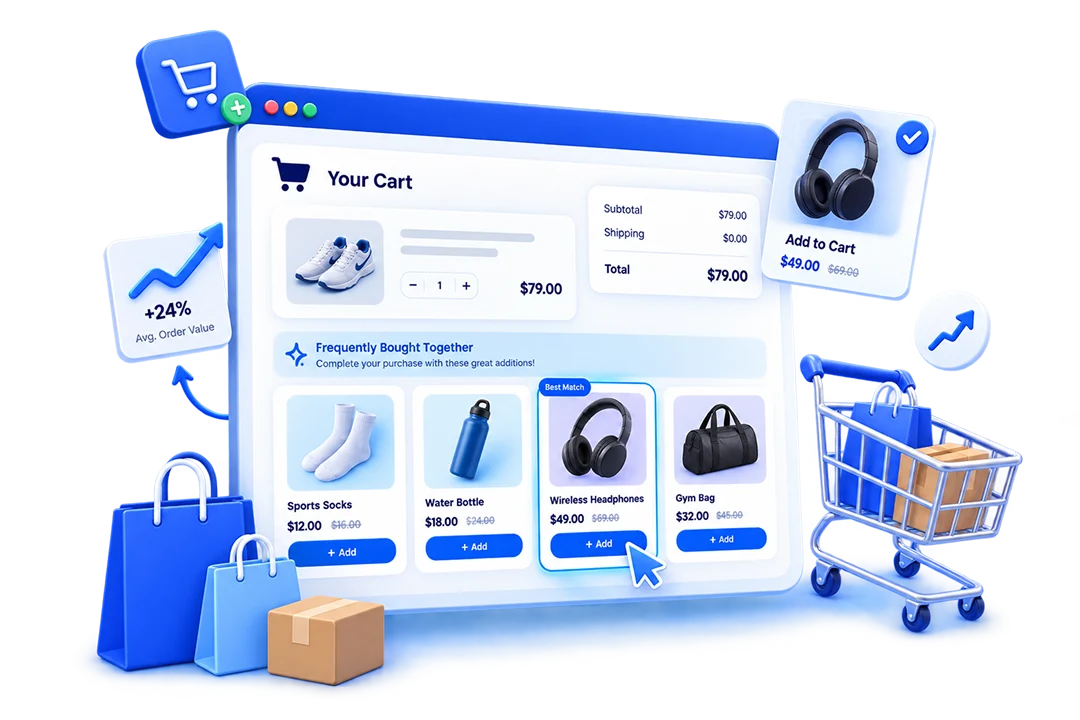
CART UPSELL

Cart

Boost your WooCommerce sales with targeted cart upsell offers. Recommend complementary products and encourage customers to increase their order value before checkout.
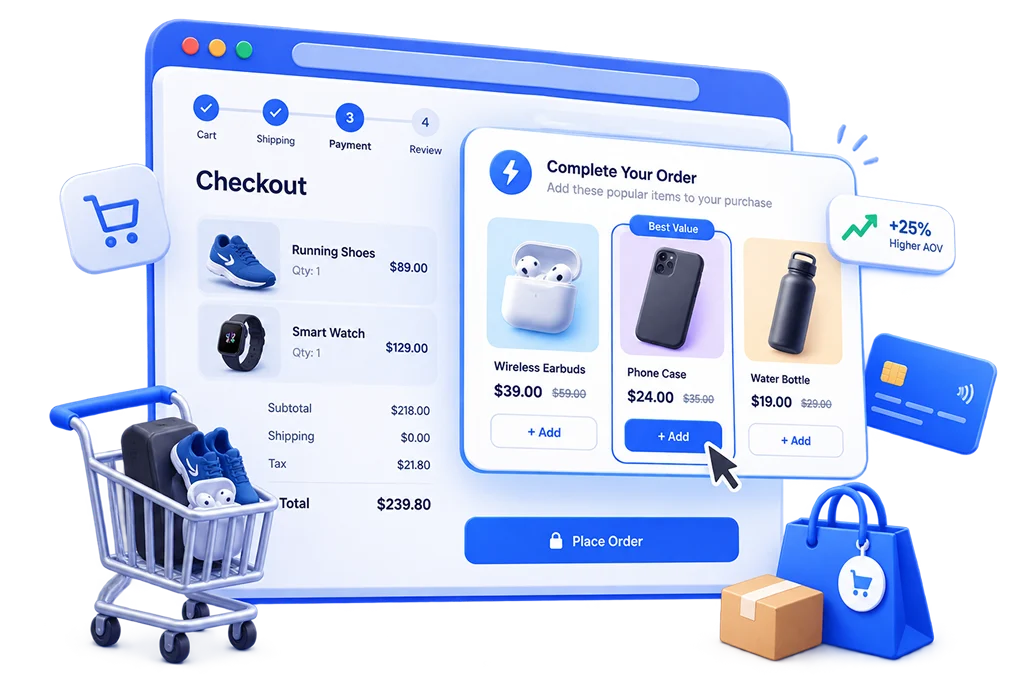
CHECKOUT UPSELL

Checkout

Add high-converting upsell and cross-sell offers at checkout. Promote relevant products without disrupting the WooCommerce checkout experience.
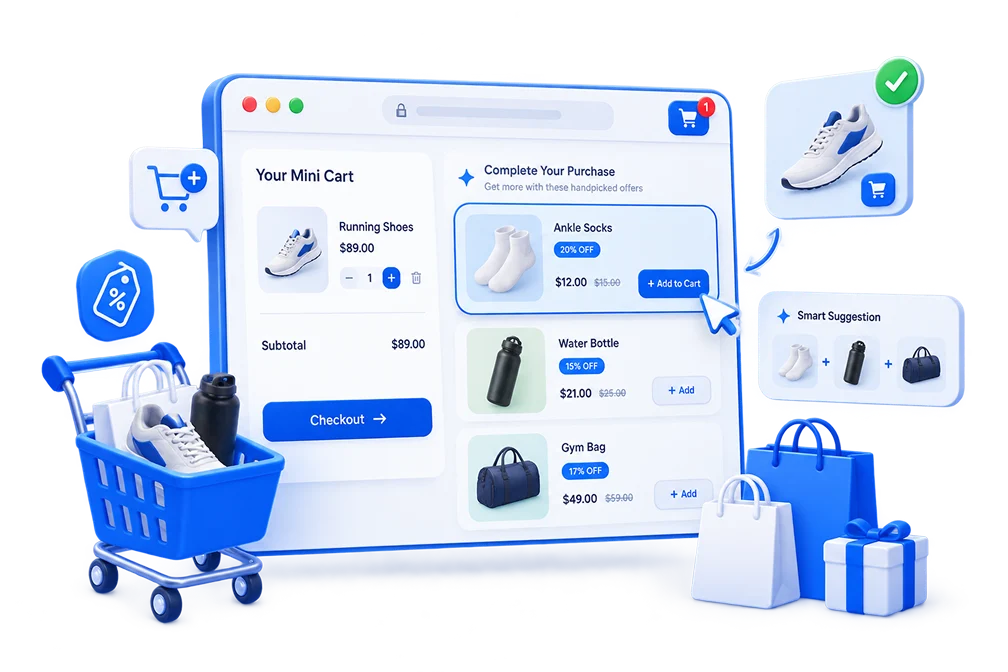
MINICART UPSELL

Minicart

Turn your WooCommerce mini cart into a powerful sales opportunity. Display relevant product recommendations and add-on offers before customers complete their purchase.
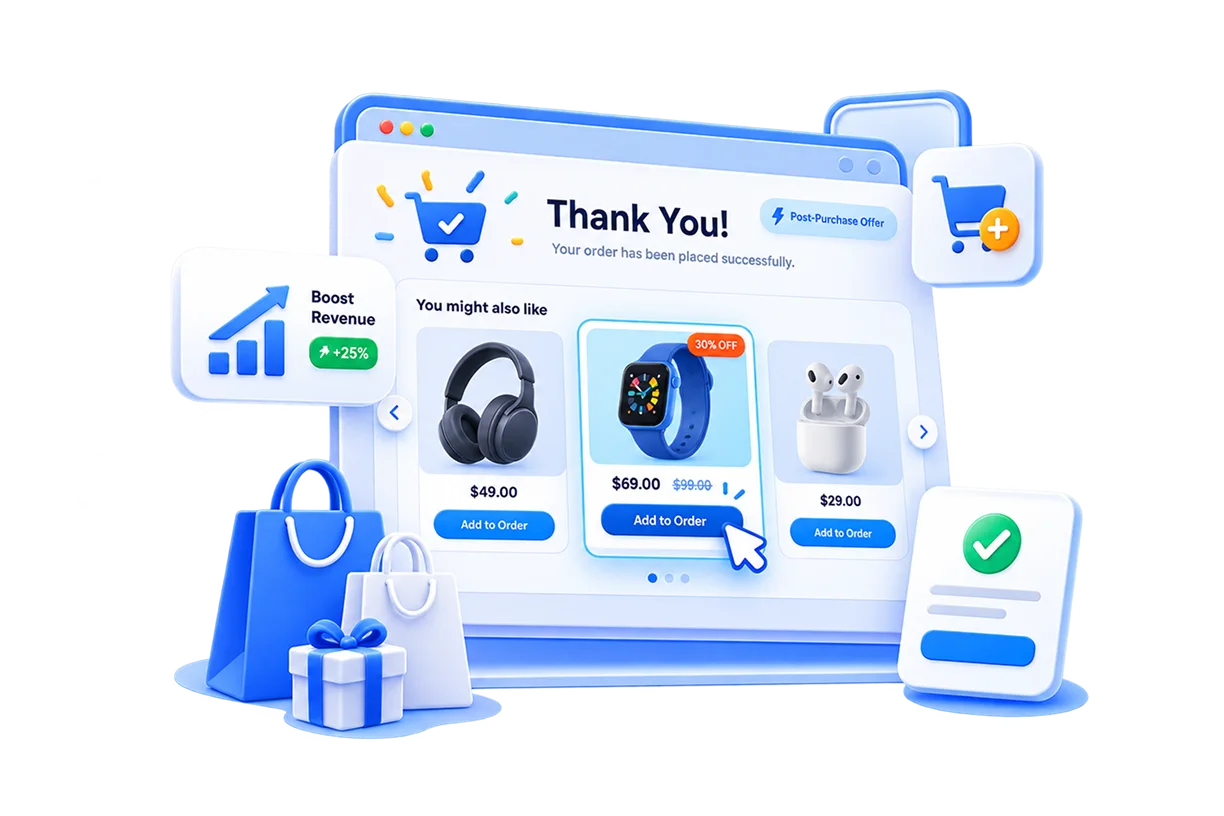
POST-PURCHASE UPSELL

Thank You Page

Increase revenue after checkout with one-click post-purchase upsells on your WooCommerce thank you page. Offer relevant products after payment without requiring customers to reorder.

Seamless Workflow

Every WooCommerce upsell format, in one plugin.

Seamlessly integrate with your favorite tools to streamline workflows and keep everything in sync.

Everything else vs PickPair

More than WooCommerce's built-in cross-sells. No premium tier to unlock.

Seamlessly integrate with your favorite tools to streamline workflows and keep everything in sync.

DEFAULT WOOCOMMERCE TYPICAL UPSELL PLUGIN PICKPAIR
Frequently Bought Together Free tier, limited Full
Product bundles & dynamic pricing Usually paid Full
Order bumps at checkout Usually paid Full
Post-purchase / one-click upsells Usually paid Full
WooCommerce Blocks (Cart & Checkout) Partial Varies Full
Campaign analytics Usually paid Full
Pricing Free Freemium, $75–$300+/yr for
full features
100% Free

Light Weight

Built to load fast without dragging down your storefront speed.

Beginner Friendly

Target by product, category, subtotal, role, or purchase history.

Flexible Rules

Target by product, category, subtotal, role, or purchase history.

No Feature Paywall

Bundles, order bumps, and post-purchase upsells are free — not locked behind a premium plan.

Developer Friendly

Follows WordPress coding standards and plays well with custom themes.

Mobile Optimized

Every layout adapts responsively across desktop, tablet, and mobile.

Excellent Compatibility

Works with the WooCommerce stack you already run

Woo
WooCommerce
Cart & Checkout
Blocks
Elementor
Block Editor

Pick Pair.

Classic Editor
WPML
Polylang

Use Cases

Built for every WooCommerce catalog

Fashion & Apparel

Shirt + Matching Tie

Electronics

Laptop + carry case

Home & Furniture

Sofa + cushion set

Beauty & Cosmetics

Cleanser + serum

Jewellery

Necklace + earrings

Automotive Parts

Brake pads + fluid

Sports Equipment

Bike + helmet

Pet Supplies

Dog bed + toy set

Food & Beverage

Coffee + filters

Digital Products

Course + template pack

Average Order Value
+ 0 %
Products Per Order
+ 0 x
Cart Abandonment
- 0 %
Conversion Rate
+ 0 %

FAQ

Answers to the common questions.

From setup to support, here are the answers you need to launch faster with confidence.

What is a WooCommerce upsell plugin?

A WooCommerce upsell plugin recommends complementary or higher-value products at key moments in the shopping journey — on the product page, in the cart, or at checkout — to increase the size of each order.

A WooCommerce upsell plugin recommends complementary or higher-value products at key moments in the shopping journey — on the product page, in the cart, or at checkout — to increase the size of each order.

A WooCommerce upsell plugin recommends complementary or higher-value products at key moments in the shopping journey — on the product page, in the cart, or at checkout — to increase the size of each order.

A WooCommerce upsell plugin recommends complementary or higher-value products at key moments in the shopping journey — on the product page, in the cart, or at checkout — to increase the size of each order.

A WooCommerce upsell plugin recommends complementary or higher-value products at key moments in the shopping journey — on the product page, in the cart, or at checkout — to increase the size of each order.

Ready to increase your WooCommerce revenue?

Install PickPair in minutes and launch your first Frequently Bought Together campaign, order bump, or post-purchase upsell today – 100% free, no coding required.